WordPress or custom code: how to actually decide
14 Jun 2026 · 4 min read

The honest version, from someone who builds both and has no reason to push you either way.
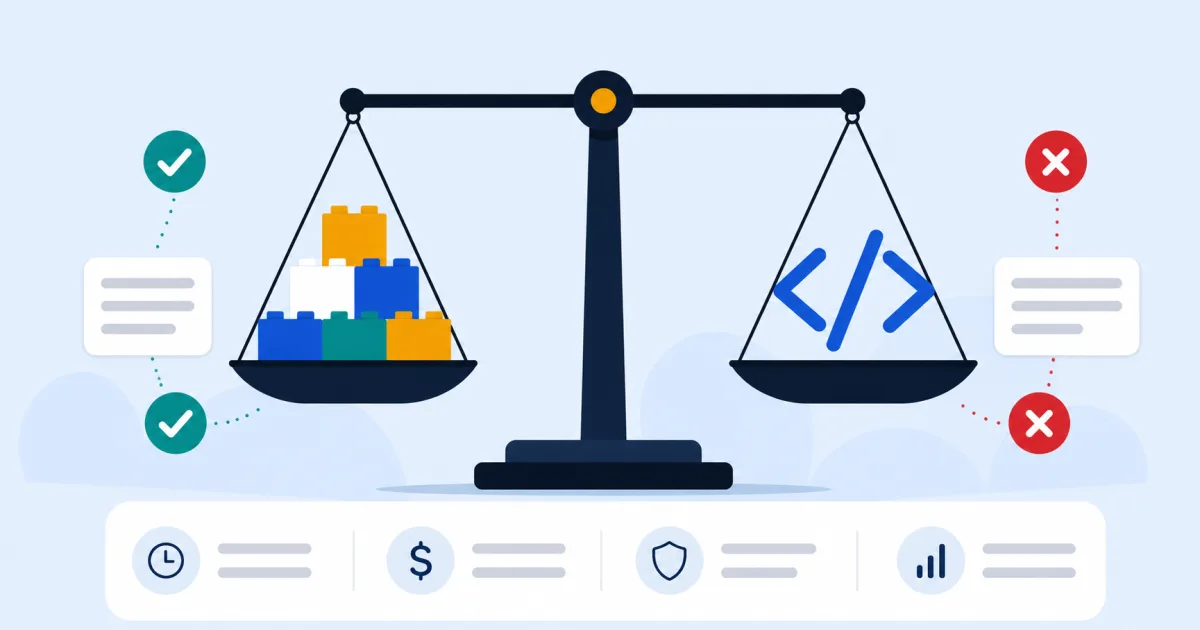
We build both, in roughly equal measure, so we don't have a horse in this race, which means we can just tell you the honest trade-offs instead of steering you toward whichever one we happen to prefer building in.
What WordPress is genuinely good at
If you or your team need to edit content yourselves, add pages, swap images, publish blog posts, update prices, WordPress is built for exactly that. It has a mature ecosystem, a huge talent pool if you ever need someone else to work on it, and for a standard brochure site, blog, or small store, it gets you there fast without reinventing anything that's already been solved.
Where it starts to strain
Stack enough plugins on a WordPress site and you start fighting it: page speed drops as each plugin adds its own scripts and styles, security surface grows with every third-party addition, and highly custom functionality, a bespoke booking flow, a complex dashboard, unusual business logic, often ends up bolted on rather than built in properly. It's not that WordPress can't do these things; it's that doing them well starts to look less like using a CMS and more like fighting one.
When custom code (Laravel, Next.js) wins
When the project is genuinely an application rather than a content site, a customer portal, a dashboard, a booking or reservation system, anything with real business logic and data behind it, custom code in Laravel or Next.js is usually the better foundation. It's built around exactly what you need rather than adapted from a general-purpose CMS, which tends to mean better performance, a smaller attack surface, and no plugin conflicts because there are no plugins.
The trade-off is honest: content updates that would be a simple WordPress edit often need a developer, unless we specifically build an editing interface for the parts that need one.
What about Webflow, Shopify or a website builder?
Worth a mention since they come up constantly. Website builders (Wix, Squarespace and similar) are fine for a very simple site with no ambition to rank competitively, you're trading flexibility and SEO control for convenience. Webflow sits between WordPress and custom code: closer to design-tool territory, with a real CMS, but still not the place for heavy custom application logic. Shopify is the specialist choice if the entire site is a storefront and nothing else. None of these change the underlying question, it's still about what the site actually needs to do.
A simple way to decide
- Mostly content, pages, a blog, a portfolio, standard forms? WordPress, most of the time.
- Need to edit it yourself often, without calling a developer? WordPress.
- Real application logic, bookings, dashboards, user accounts with custom behaviour, anything data-heavy? Custom code.
- Performance and security are make-or-break for the business? Custom code, built lean for exactly what you need.
- Not sure? Tell us what the site actually needs to do, not just what it should look like, and we'll tell you honestly which fits, including if the answer is "WordPress, and here's why we wouldn't charge you for custom code you don't need."
Neither platform is a status symbol. The right one is whichever fits what you're actually trying to do, that's the only question that matters.
What we actually recommend, in practice
Roughly seven in ten projects we build land on WordPress, most businesses genuinely just need a fast, well-built content site they can update themselves. The rest need something custom, and it's usually obvious early on why: a booking system, a client portal, a data-heavy tool that doesn't map cleanly onto pages and posts. We'd rather quote you the cheaper, simpler option that's right for the job than the more impressive-sounding one that isn't.
Digiradix
Web design, development, SEO and marketing for small businesses. We write about the things that actually move the needle, and skip the things that don't.