Why your website is slow, and what actually fixes it
10 Jul 2026 · 5 min read

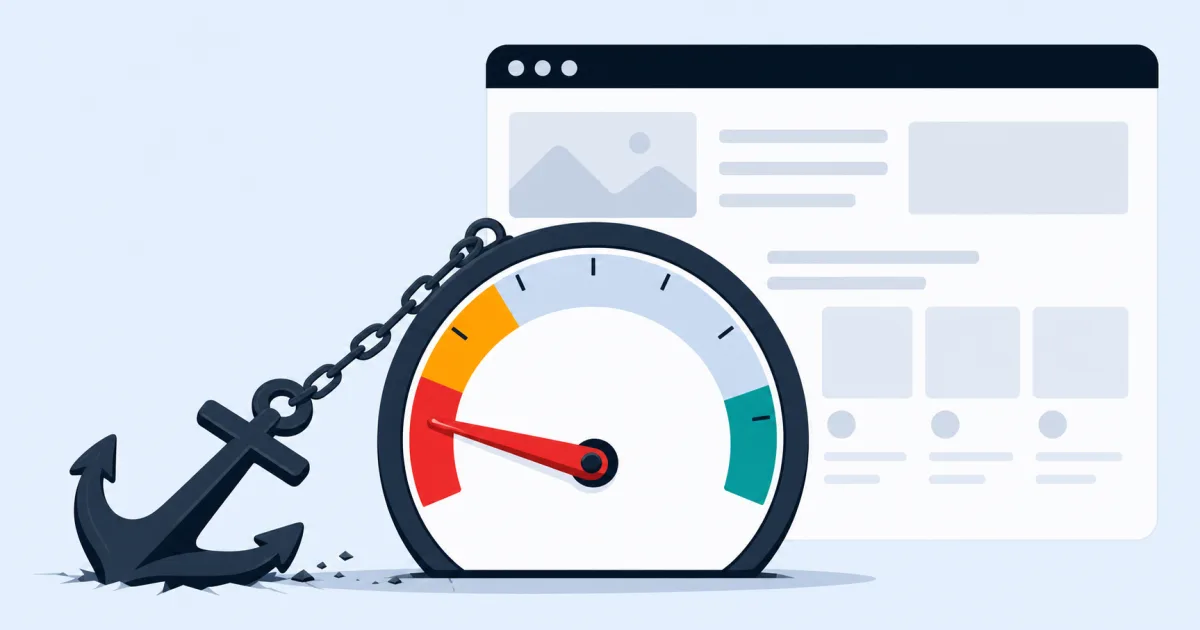
Most speed advice online is either wrong or irrelevant for small business sites. Here is what genuinely moves the number.
Type your website into a speed test and you'll get a red score, a wall of red warnings, and a list of fixes so generic they could apply to any site on the internet. "Reduce unused CSS." "Serve images in next-gen formats." None of it tells you what's actually slow, or what to do about it first. So most people close the tab and do nothing.
Here's the more useful version: on almost every small business site we've looked at, the slowness comes from a short list of the same few causes. Fix those, in order, and the score follows. You don't need to understand every metric, you need to fix the things that are actually broken.
The four causes that show up again and again
1. Images that are far bigger than they need to be. A photo taken on a modern phone is often 4-8MB. Dropped straight into a page at display size of maybe 800px wide, it's still shipping the full multi-megapixel file to every visitor. That one image can be heavier than your entire page should be.
2. Page builders and plugin stacks doing too much. Drag-and-drop builders are convenient to edit, but many generate bloated markup and load CSS/JS for features you're not even using on a given page. Stack ten plugins on top, a slider here, a popup there, a form builder, an SEO plugin, a caching plugin fighting the other caching plugin, and the browser is doing a lot of unnecessary work before it can show anything.
3. No caching, or caching set up wrong. Without proper cache headers, a returning visitor re-downloads your CSS, JS and images every single visit, instead of pulling them from their own browser. This is a five-minute server configuration that many sites simply never had done.
4. Hosting that isn't built for it. A $3-a-month shared hosting plan on the other side of the world from your customers will always feel sluggish, no matter what you do to the code. Where the server physically sits, and how much it's shared with other sites, sets a floor under how fast you can ever be.
What actually moves the number, in order
- Resize and compress images to the dimensions they're actually displayed at, and serve them as WebP.
- Set explicit width and height on every image, so the browser doesn't reshuffle the layout while it loads.
- Cut the page down to the plugins and scripts a given page actually uses, not everything, everywhere, by default.
- Turn on proper browser caching and, ideally, a CDN.
- Defer or remove anything render-blocking that isn't needed for what the visitor sees first.
- If hosting is genuinely the bottleneck, move to something built for speed, near your customers.
Notice what's not on that list: a full rebuild. Most sites don't need one. They need the four causes above addressed properly, which is usually a focused few days of speed optimization work rather than a new website.
The metric that actually matters: Largest Contentful Paint
Of the various Core Web Vitals, Largest Contentful Paint (LCP) is the one worth understanding, because it's the closest thing to "how long did the visitor actually wait." It measures when the biggest visible element, usually your hero image or headline, has finished rendering. Everything else on a speed report is either a contributing factor to this number or a smaller side issue.
A useful mental model: whatever is largest and visible without scrolling is your LCP element. If that's a hero photo, it needs to load early and it needs to be small. If anything, a font file, a script, a stylesheet, has to finish loading before that element can render, it's blocking your most important number, and it's the first thing to fix.
A quick way to check your own site
Open your site on your phone, on mobile data rather than office wifi, and actually watch it load. Does the layout jump around as images pop in? Does text appear, disappear, then reappear in a different font? Is there a blank white screen for a beat before anything shows up? Each of those is a visible symptom of one of the four causes above, and you don't need a PageSpeed score to notice them, your own eyes are the first diagnostic tool.
Why it's worth doing
Speed isn't a vanity metric. Slower sites lose visitors before the page even finishes loading, you never see them in your analytics because they left before anything fired. Speed is also a ranking factor, so a slow site is quietly working against your SEO at the same time it's working against your conversions. Fix it once, properly, and both numbers move together.
If you want the specific list for your own site rather than the general one, that's exactly what our get in touch covers, we'll tell you which of the four is actually costing you, not just that "images could be optimised."
Digiradix
Web design, development, SEO and marketing for small businesses. We write about the things that actually move the needle, and skip the things that don't.